



MCP servers
Build visualization apps faster with AI assistants that know our SDKs
Build for developers. Loved by teams.
Get working code, not hallucinated API calls
When you ask your AI assistant to build a graph visualization, it can query the actual KeyLines, ReGraph, KronoGraph, or MapWeave documentation and generate code that works. No more guessing, no more debugging AI-generated code that doesn’t match our API.
AI coding assistants that actually know our SDKs
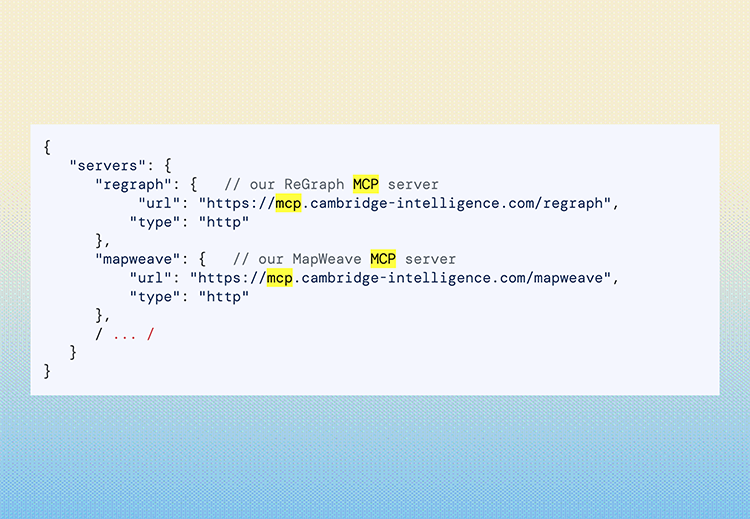
AI coding assistants like GitHub Copilot and Cursor are great at general JavaScript, but they struggle with specialized SDKs. Our MCP (Model Context Protocol) servers solve this by giving these AI tools direct access to our documentation, type definitions, and examples.
Use the MCP server with the SDK that fits your application:
FAQs
What is MCP?
Model Context Protocol is an open standard (like USB-C for AI) that lets AI coding assistants connect to external documentation and tools. Think of it as giving your AI assistant the ability to “read the manual” while helping you code.
How do I choose which SDK to use with MCP?
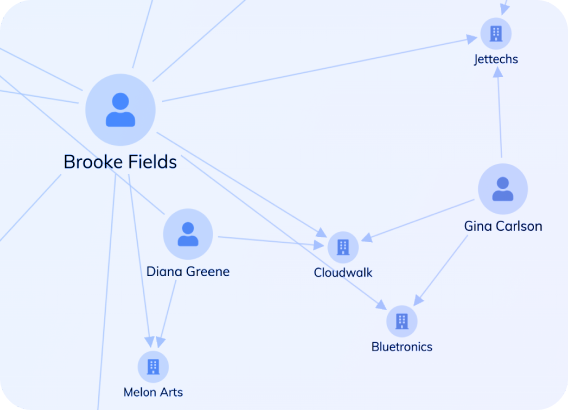
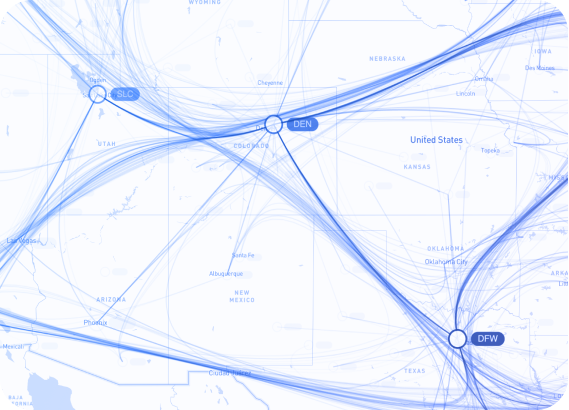
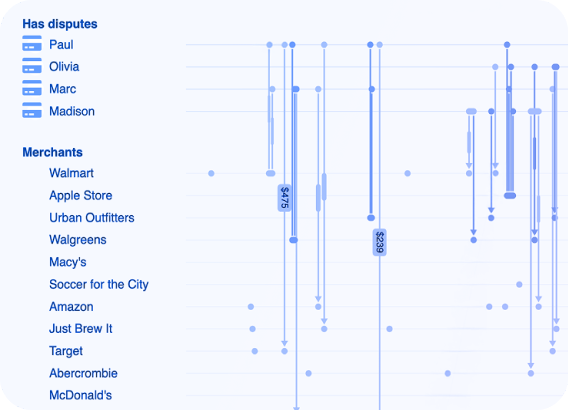
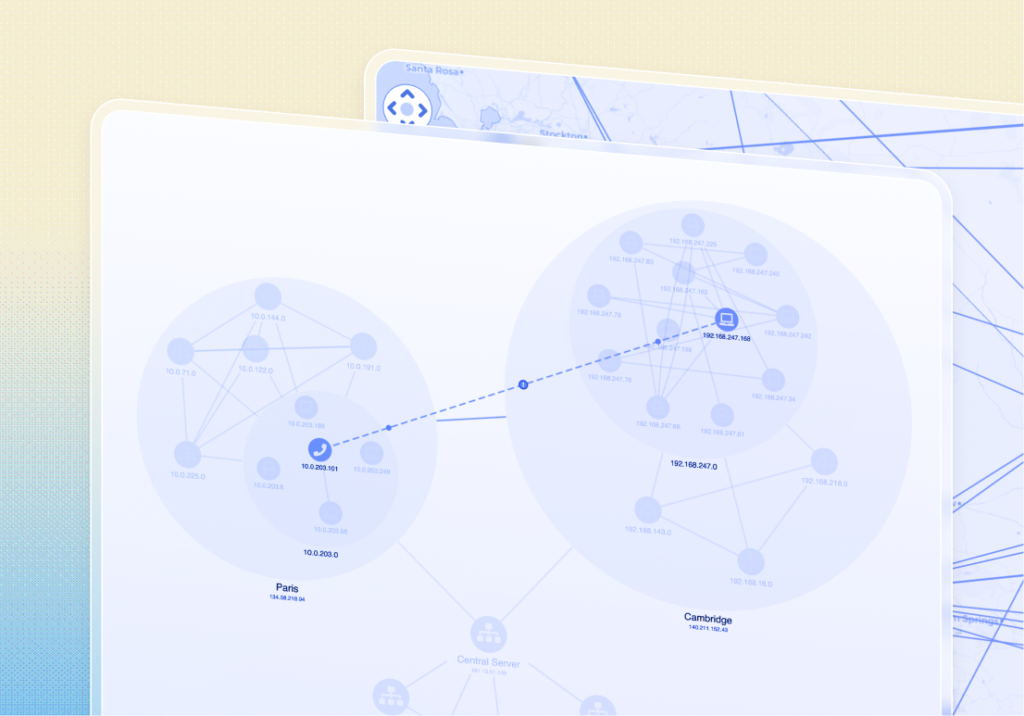
Use the SDK that matches your use case: KeyLines for graphs, ReGraph for React-based graphs, KronoGraph for timelines, and MapWeave for geospatial visualization.
Which tools does this work with?
Any IDE or AI assistant that supports MCP – including VS Code with GitHub Copilot, Cursor, JetBrains, Claude Code, and more. As long as your tool can connect to MCP servers, it will work.
Is my code and data secure?
MCP servers only provide read access to our public documentation. Your code stays in your development environment. The MCP protocol lets your AI assistant query our documentation – no proprietary code or data is sent to our servers.