Learn graph visualization

A practical learning hub for developers and product teams who want to design powerful, scalable graph visualization experiences.

Graph visualization learning hub

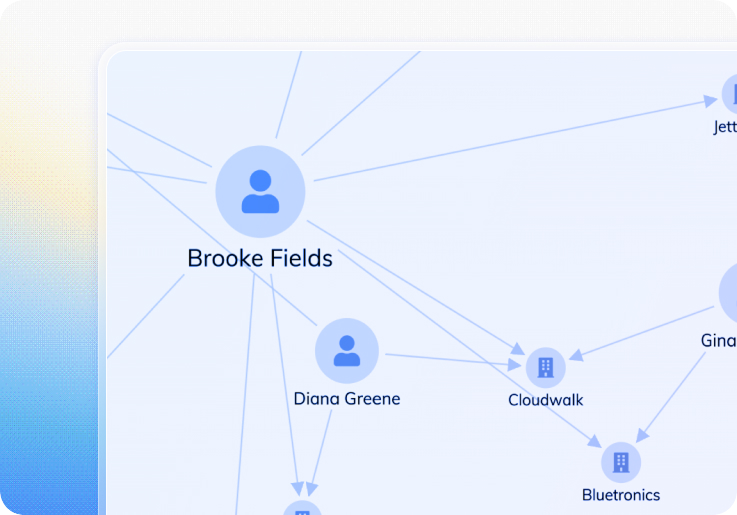
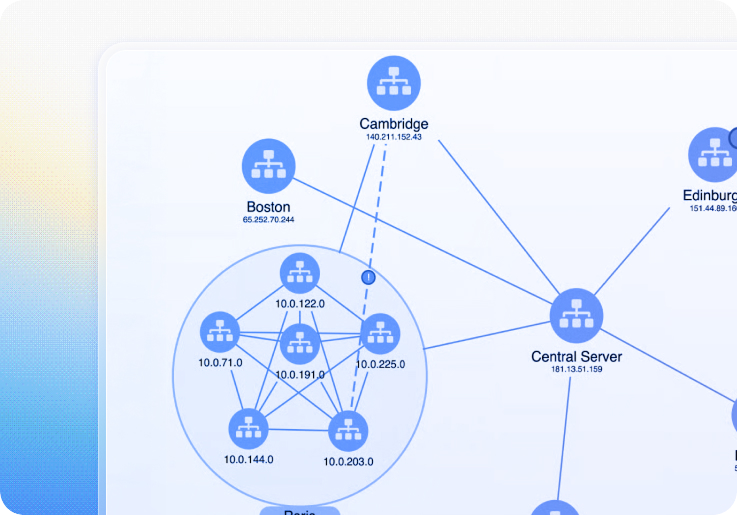
Graph visualization is one of the most intuitive ways to understand connected data – but designing an effective user experience requires the right foundations. This hub brings together our most useful articles, guides and examples to help you model your data, declutter large networks, apply analytics, design better visuals, and choose the right tools for your application.

The beginner's guide to graph visualization

A practical, accessible introduction covering graph fundamentals, visual modeling, interaction patterns and why graphs work so well for investigative workflows. This guide is ideal for anyone new to graph thinking.

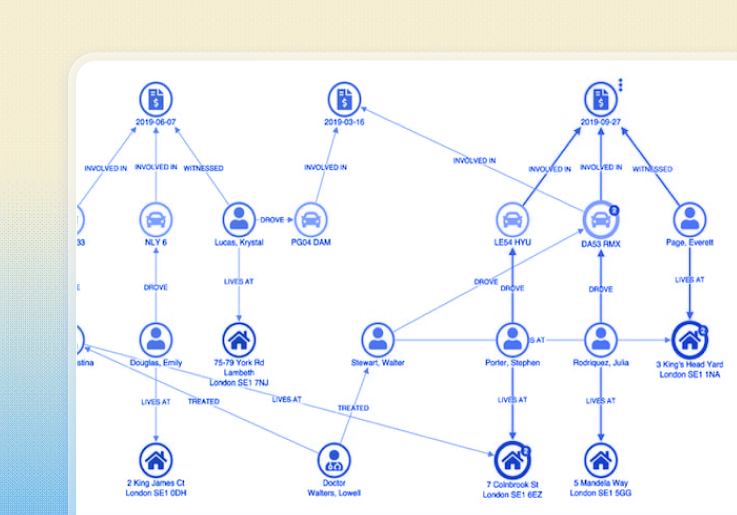
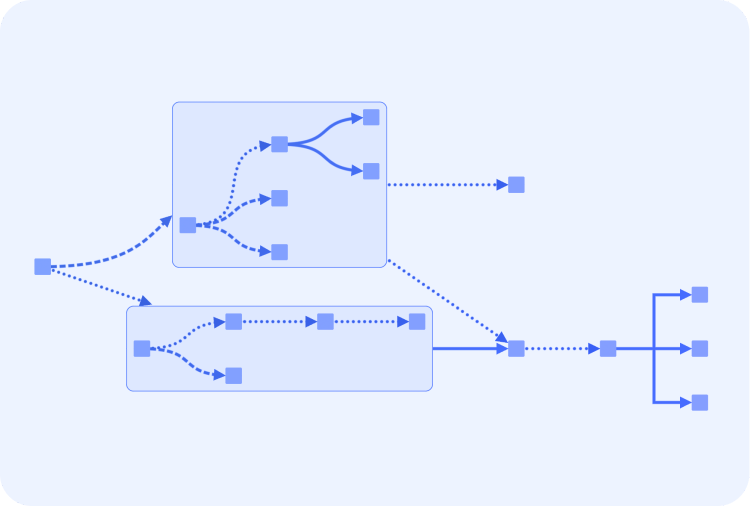
Layouts

Why Graphs? When graph visualization makes sense

A beginner-friendly introduction to graph visualization: what graphs are, when they’re useful, how to model connected data, and the core design principles (filtering, styling, interaction) behind effective node-link graphs.

How graph data models shape visualization quality

Learn how decisions about nodes, links, and properties directly affect clarity, performance, and insight in graph visualizations.

Working with complex graphs

Large or messy graphs tend to break down into a few predictable patterns. Understanding these helps analysts and developers know what they’re dealing with before they try to fix it.

This section brings together our most practical advice on avoiding common visualization pitfalls like hairballs, snowstorms and starbursts.

How to declutter, scale & fix large graph visualization

This section introduces the core techniques that developers use to make millions of entities feel navigable and responsive.

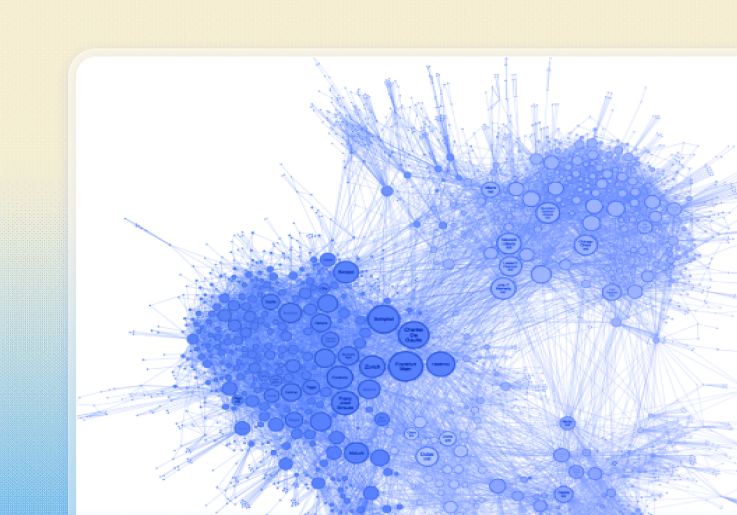
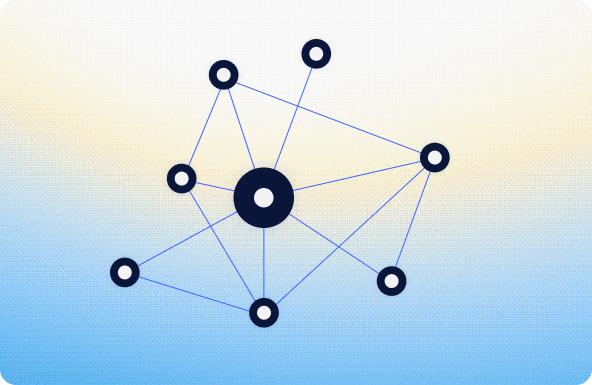
hairball effect in graph visualization

Hairballs

Dense, overconnected networks where everything touches everything and nothing stands out.

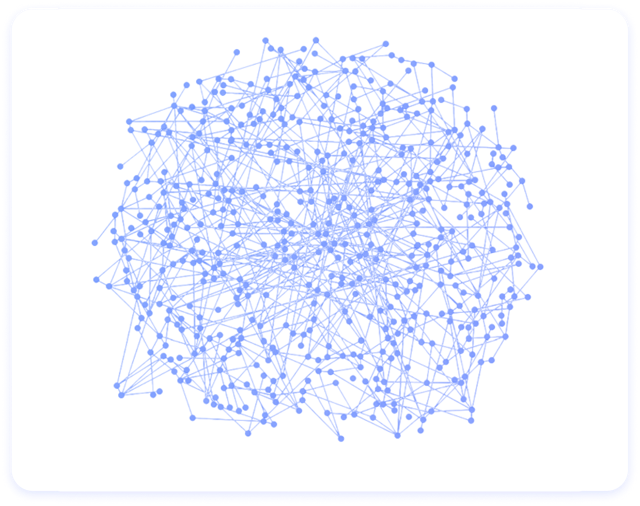
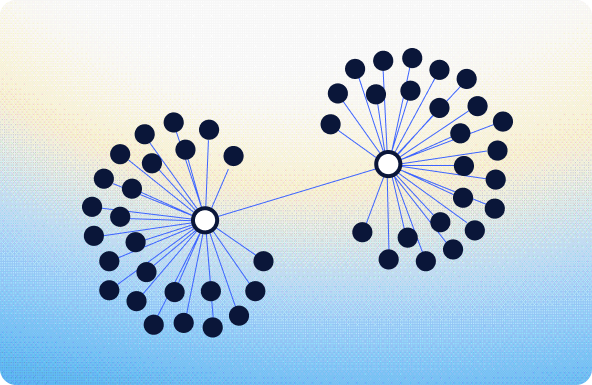
Snowstorm effect in graph visualization

Snowstorms

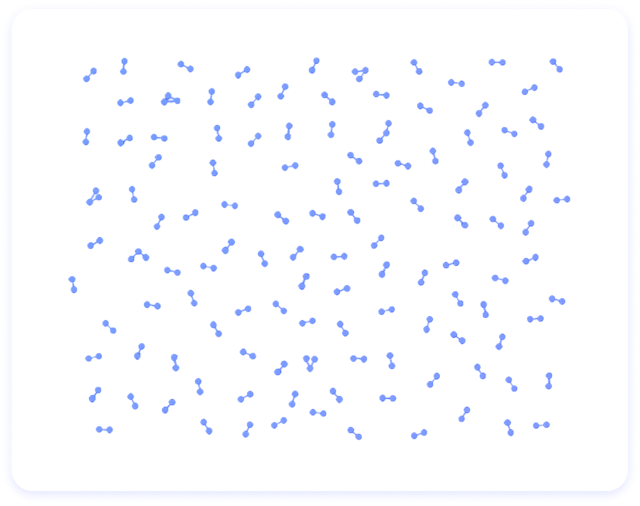
Hundreds or thousands of tiny disconnected components with no meaningful structure.

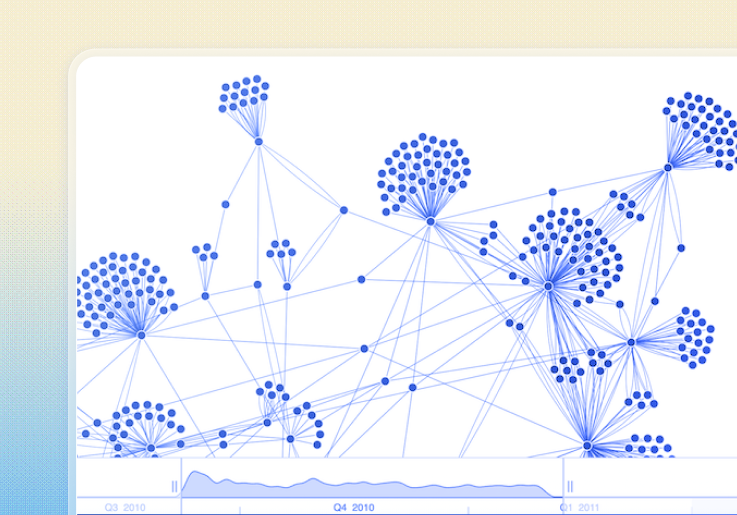
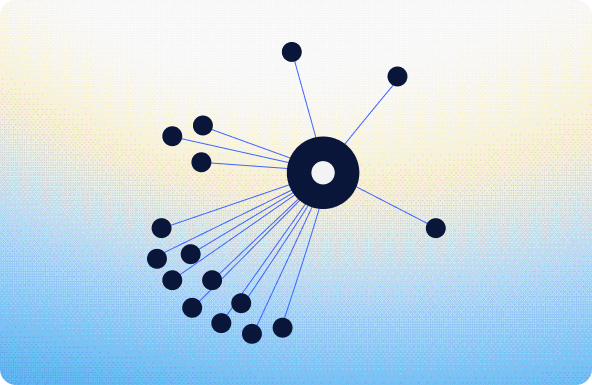
Starburst effect in graph visualization

Starbursts

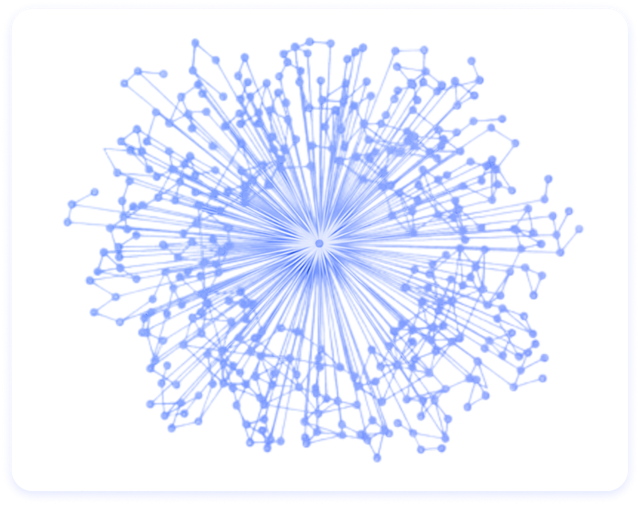
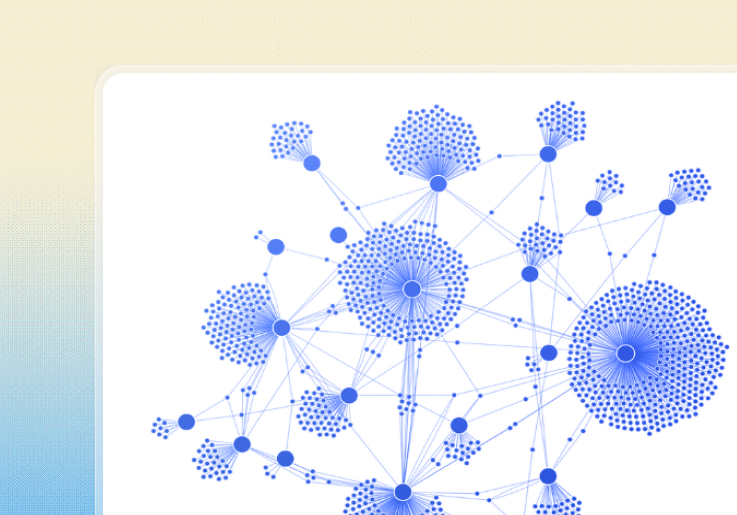
Explosions of nodes around a single hub that overwhelm the chart.

Combos

Why These Problems Happen

  • Over-modeling or under-modeling entities
  • Queries that pull too much or too little context
  • Supernodes (email accounts, high-degree routers etc.)
  • Dirty or ambiguous data
  • Lack of relationship hierarchy

How to declutter, scale & fix large graph visualization

This section introduces the core techniques that developers use to make millions of entities feel navigable and responsive.

Graph Analytics

Graph visualization becomes far more powerful when paired with analytics. Once users can see the structure of the network, algorithms help them understand why certain nodes matter, where influence flows, or which groups act similarly. This section introduces the most important graph analytics techniques and how they’re used to surface insight from connected data.

Our graph analytics 101 article explains foundational concepts: centrality, path analysis, community detection, and how these algorithms complement visualization to reveal deeper insights in your data. Key concepts:

  • Centrality (influence & importance): Centrality scores identify gatekeepers, broadcasters and high-impact nodes. They help analysts prioritize which entities deserve attention. Read: Social network analysis 101: centrality measures explained
  • Community Detection (finding natural clusters): Communities reveal hidden structures: densely connected groups, operational cells, or functional sub-networks.
  • Path analysis (shortest path and reachability): Shortest-path algorithms support cyber routing, supply-chain planning and communication analysis by showing optimal routes between nodes. Read: Graph analytics 101: reveal the story behind your data


Graph UX & Accessibility

Even the most powerful graph visualization can fail if users can’t interact with it effectively. Graph UX and accessibility focus on how people explore, understand, and trust complex networks – through interaction design, visual clarity, and inclusive experiences that work for all users.

Graph visualization UX fundamentals

Learn how thoughtful UX and UI design turn complex network visualizations from overwhelming charts into intuitive tools for exploration, insight, and decision-making.

Read: Graph visualization UX: Designing intuitive data experiences

Designing Accessible Graph Visualizations

Designing graph visualization is also about inclusivity and usability. This article outlines practical ways to make graph UIs usable for as many people as possible, including keyboard navigation, screen reader support, thoughts color/contrast choices, and animation management.

Read: How to build accessible graph visualization tools

Adding Timeline & Geospatial Visualization

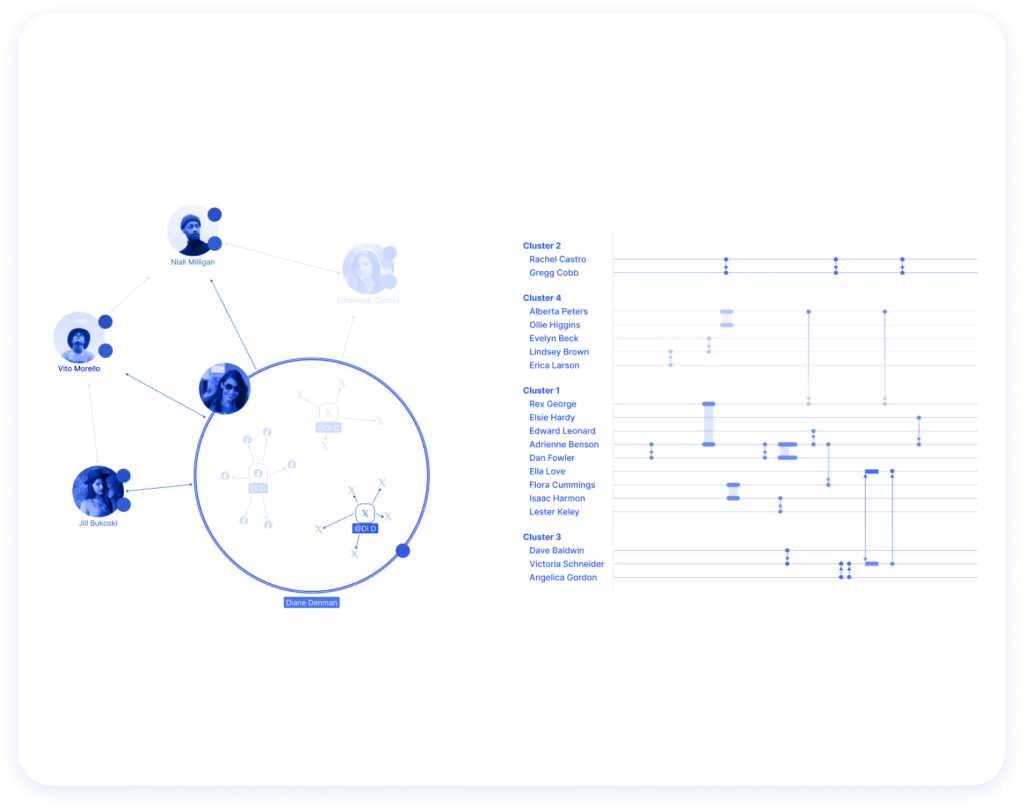
Graph visualization is powerful on its own, but some questions need when and where alongside the who and how. This section introduces timeline and geospatial visualization and explains when to use each. Future deep-dive hubs will expand on these topics as part of our broader visualization learning ecosystem.

When to use Timeline Visualization

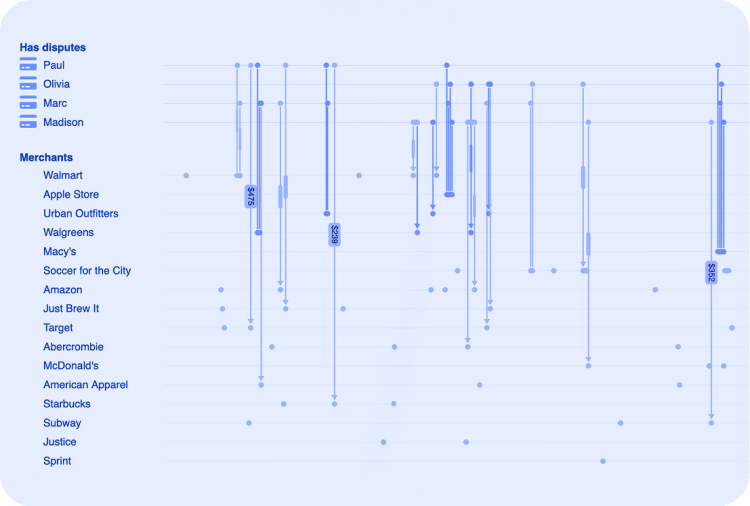
Graph structures show relationships, but timelines reveal sequence, duration, overlap and pace. Use timelines when you need to answer:

  • What happened first?
  • Which events overlapped?
  • How did activity intensify or slow down over time?
  • Where are anomalies in a series of transactions, communications or movements?

Timeline visualization excels in:

  • Fraud investigations
  • Security & Intelligence
  • Incident response & alert investigations
  • Financial activity mapping
  • Pattern-of-life analysis
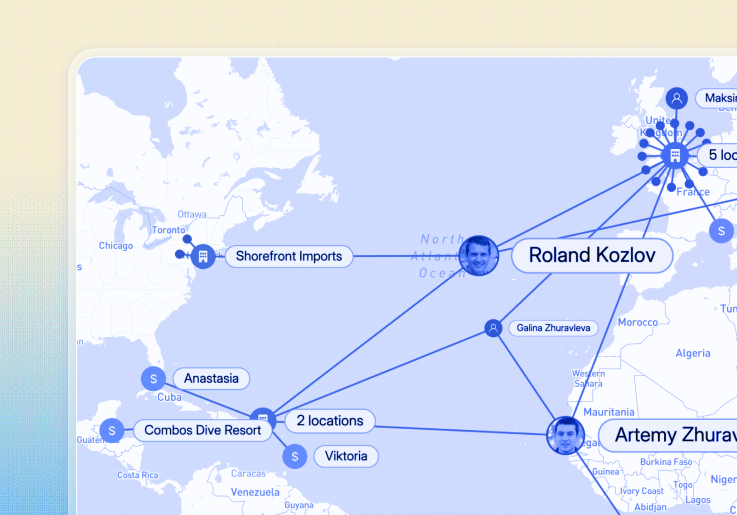
Geospatial link analysis

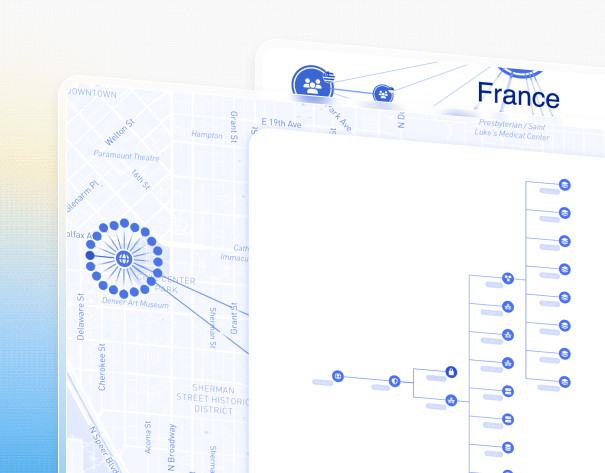
When to combine Graphs with Maps

Some patterns only become obvious when connected data is viewed in geographic context, especially when location adds meaning to relationships.

  • Physical infrastructure networks
  • Maritime, aviation, supply chain or logistics analysis
  • Geofenced cyber attacks
  • Movement tracking across locations
  • Terrorism or crime hotspots
  • Distributed assets tied together through shared relationships

A separate graph view becomes valuable when users need to step beyond geography and explore structure, scale, or complexity in different ways, for example when they want to:

  • View the same network using graph layouts (hierarchical, sequential, or clustered by
    type)
  • Examine dense subnetworks at a single location, such as infrastructure or cyber
    assets within one site
  • See richly styled nodes and relationships without cluttering maps, keeping geographic
    context available alongside

Graph visualization answers how things are connected. Geospatial visualization answers where those things are.

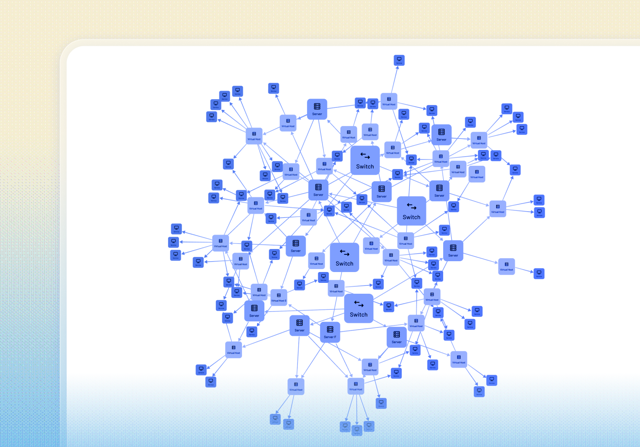
Common use cases for graph visualization

Graph raph visualization is most valuable in domains where understanding complex relationships, patterns, and flows is critical. Below are some of the most common use cases, with examples of how graph visualization is applied in practice

Core Use Cases

Security and intelligence

Cybersecurity

Understanding network vulnerabilities, attack paths, and alert relationships at scale.

Risk and compliance

Fraud detection and financial crime

Uncovering unusual transaction patterns, hidden relationships, and evolving fraud behavior

Security and intelligence

Mapping criminal networks, communications, and OSINT data to reveal structure and
influence.

Build or Buy: Choosing the Right Graph Visualization Technology

If you need a graph visualization solution, there are several options to choose from. Each comes with different trade-offs in flexibility, performance, time-to-value, and user experience. Understanding these options helps teams choose the right foundation for their needs.

Off-the-shelf applications

Off-the-shelf graph visualization tools come with pre-built interfaces and features. They offer a simple, one-size-fits-all approach, making them suitable for basic analysis, but less adaptable to specific user workflows.

Open source libraries

Open source graph visualization libraries provide a starting point for building custom visualizations. While flexible, they often require significant engineering effort and customization to achieve production-grade performance, scalability, and interaction design.

Commercial SDKs

Graph visualization SDKs allow teams to design and build custom applications tailored to your users’ needs. They offer greater control over UX, performance, and scalability, making them well suited for complex, high-volume, or mission-critical use cases.

flowchart icon

Building from scratch

Building a graph visualization solution entirely in-house offers maximum control, but comes with high development and maintenance costs. Teams must solve layout performance, interaction design, accessibility, and scaling challenges themselves, often reinventing problems that dedicated tools already address.

Graph and geospatial visualization

Open Source vs. Commercial Graph Visualization

A clear, practical comparison to help teams decide whether to build their own graph visualization technology with open-source libraries – or accelerate time-to-value with a commercial SDK.

Buyer’s Guide

A practical, vendor-agnostic guide to help you evaluate graph visualization tools and avoid costly mistakes. If you’re assessing graph visualization solutions as part of a wider platform or application, this guide gives you a structured way to compare options. The goal is to help teams de-risk technology decisions and choose a solution that aligns with their product roadmap, whether that’s open source, in-house development, or a commercial SDK.

Here’s the decision criteria used:

  • calculating whether the product will give you a positive return on investment (ROI)
  • making sure a technology partner is someone you want to work with
  • confirming that they have expertise with your particular use case
  • evaluating whether they meet the development team’s needs
  • checking their quality standards match your expectations
  • identifying whether the tool has the graph visualization functions you need

Looking for a deeper guide?

Download our graph visualization white paper for a comprehensive overview of graphvisualization approaches, design considerations, and real-world applications.

Related Tools & Next Steps

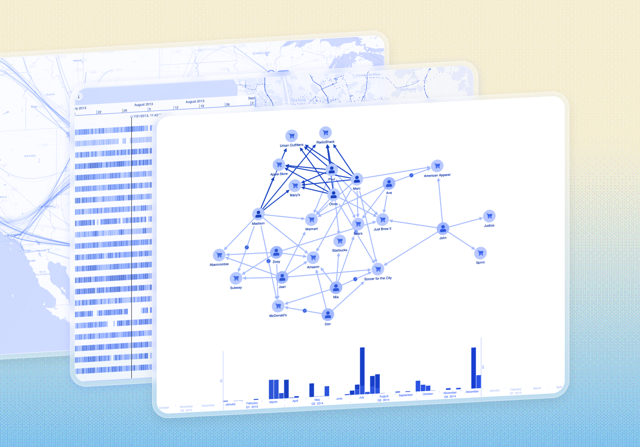
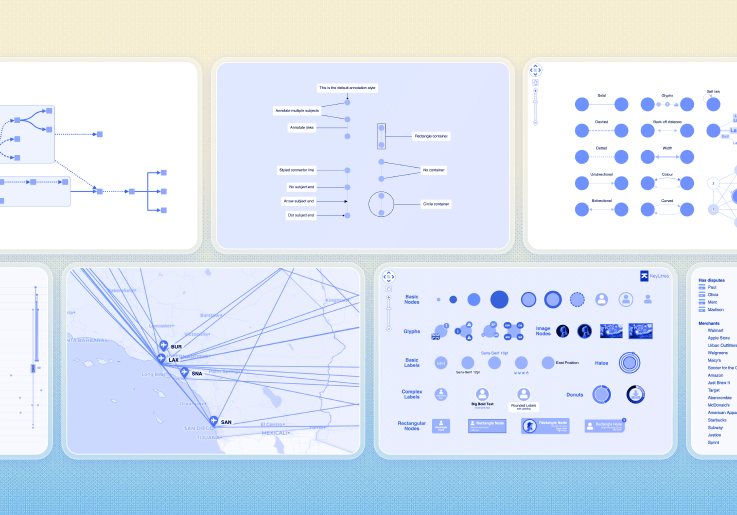
multiple screenshots from the data visualization SDKs provided by Cambridge Intelligence

Build better with Cambridge Intelligence toolkits

If you’re exploring graph visualization, you don’t need to start from scratch. Our SDKs give you production-ready components, advanced layouts, analytics, as well as geospatial and temporal views. All of this comes with direct support from the developers who built the SDKs, so you can build with confidence.

Learn about our visualization SDKs:

See the SDKs in action